Website & WordPress
Keep your website. Feed it from here.
Manage your hotels, destinations and packages once. Your WordPress site shows them automatically, and enquiries from your forms arrive as ready-made contacts.
Edit once
and your WordPress site updates itself
No retyping
website enquiries arrive as ready-made contacts
Still yours
your domain, your design and your search rankings
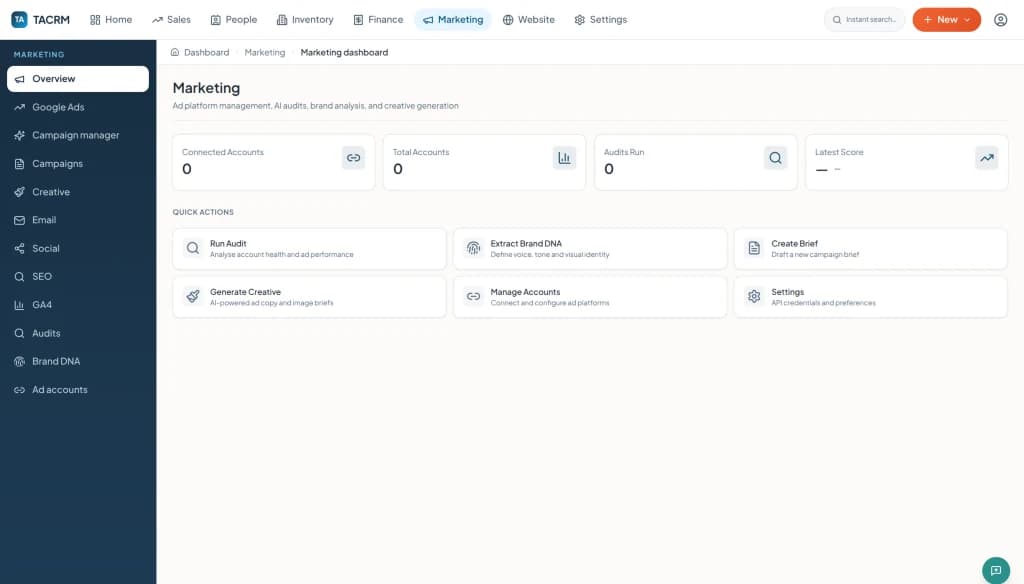
Here it is
Sound like your week?
What gets in the way today
Updating the same hotel twice
A resort adds a new suite or an offer ends, and you change it in your system and then again on your website.
Enquiries stuck in an inbox
A form sends an email, and someone has to copy the details across before anything happens.
Moving off WordPress puts your rankings at risk
You have built up a site and its search ranking over years. You should not have to start again.
What you can do
What you get
Your hotels and packages on WordPress
Accommodation, rooms, destinations, brands, packages, promotions and photos appear on your own site, using our WordPress plugin.
Enquiry forms
Build a form with questions that appear depending on the answers. Put it on any page of your website.
Enquiries become contacts
Each submission creates or matches a contact and opens a sale for you to follow up.
No website? Build one here
OptionalCreate pages, landing pages and a blog, and show video testimonials, hosted for you.
Descriptions drafted for you
Your AI assistant can write a first draft of a hotel description and its search titles. You edit and save.
How it works
How it works, in four steps
- Step 01
Add your hotels and packages
With photos, rooms and the details you want to show.
- Step 02
Connect WordPress
Install the plugin and add your key.
- Step 03
Add your forms and booking page
Place them on the pages that matter.
- Step 04
Follow up
Enquiries arrive in your sales list, ready to work.
Guides in our Help Center
Goes well with
Website & WordPress FAQ
Common questions
Do I need WordPress?
No. If you use WordPress, the plugin does the work. On any other website you can still use your enquiry forms and call booking page, or build a site with us.
Will the plugin change my site’s address or design?
No. You keep your own domain and your own design.
Try it with your own clients
Start free with a sample trip, or book a demo and we will show you around.